版本比较
Zhiyuan2012
 2045034
个人介绍
增加 1 行删除 250 行
1234567891011121314151617181920212223242526272829303132333435363738394041424344454647484950515253545556575859606162636465666768697071727374757677787980818283848586878889909192939495969798991001011021031041051061071081091101111121131141151161171181191201211221231241251261271281291301311321331341351361371381391401411421431441451461471481491501511521531541551561571581591601611621631641651661671681691701711721731741751761771781791801811821831841851861871881891901911921931941951961971981992002012022032042052062072082092102112122132142152162172182192202212222232242252262272282292302312322332342352362372382392402412422432442452462472482492502512522532542556:::align{center}### **你是第**### 个看我主页的人。::::::::::info[编程]::::::warning[报名网址][](https://www.noi.cn/xw/2026-07-06/908154.shtml)::::::::::::info[VScode]:::::success[下载网址][](https://code.visualstudio.com/thank-you?dv=win64user&build=stable)::::::::::warning[下载扩展包]1. **CPH-NG**2. Chinese(Simplified)(简体中文)3. C/C++4. Error Lens::::::::::error[如何下载 MinGW]1. [](https://vevt-kali.lanzouk.com/b00crj29sj)。2. 点击 **`x86_64-8.1.0-release-posix-sjlj-rt_v6-rev0.7z`**。3. 点普通下载。4. 右键点击 **解压到`"x86_64-8.1.0-release-posix-sjlj-rt_v6-rev0\"(J)`**5. 解压完后,点进`mingw64`,再点`bin`。6. 进去`bin`之后不要动,右键`此电脑`。7. 点击`属性`,然后往下滑,点击`高级系统设置`。8. 点击`环境变量`,系统变量选择`Path`,接着点击`编辑`,9. 复制地址栏。10. 最后点击确定。11. 去cmd,输**gcc -v**,要是有一堆字母就说明下载成功了。::::::::::info[如何将SPJ导入VScode]1. 在[这里](https://github.com/MikeMirzayanov/testlib/releases/download/0.9.41/testlib-0.9.41.zip)下载后,把`testlib.h`拖出来,**注意不要改变文件扩展名!**2. 下载 CPH-NG 后,点一下那支笔。3. 点高级。4. 勾选特殊评判。5. 点击写好的 SPJ (即 checker.cpp)。6. 按 Ctrl+Shift+P ,搜索 `C/C++:Edit Configurations(UI)`。7. 划到包含路径。8. 填上`${workspaceFolder}/**,C:/Users/你的用户名/Desktop/testlib.h,${workspaceFolder}/testlib.h`,**注意一行一个路径!**9. **然后记得用 Ctrl+S 保存!!**10. 就可以用了。::::::::::error[注意事项]1. 下载 **CPH-NG**前,先把 **MinGW**下好。(学校已经下载了所以不用管)。2. 保存时后缀填**cpp**。3. 放大按 Ctrl+ **=**,变小按 Ctrl+ **-**。4. **新建个文件夹**。5. **不要新开编辑器,不然可能SE!**6. 到CPH-NG页面时,**直接点跳过!!!不然会SE!!!**。7. 要是遇到**SE**,打开设置,空着的两个填**g++**,**-O2 -std=c++14 -WALL -DCPH**。:::::
:::::warning[如何彻底卸载VScode]1. 先关闭VScode。2. 打开此电脑,输入`%APPDATA%\Code`,把所有文件删掉。3. 再次打开此电脑,输入`%USERPROFILE%\.vscode`,把所有文件删掉。4. 这时候再点进VScode,就会发现数据全部都被清空了。::::::::::success[VScode文章]::::warning[VScode指南][](https://www.luogu.com.cn/article/3lxrdehh)::::::::error[报错变得可爱][](https://www.luogu.com.cn/article/j8i1xug0):::::::::::::::::::::success[小熊猫C++]1. [](https://royqh.net/redpandacpp/download/)。2. 点最上面的那个。3. 点普通下载。4. 点击只为自己用户下载。5. 然后就正常敲代码。::::::::::::error[原题机][](https://yuantiji.ac)::::::::::::success[算法学习网站][](https://oiwiki.com)::::::
::::::warning[某些小教程]:::::warning[Special Judge]::::success[洛谷官方教程][](https://help.luogu.com.cn/manual/luogu/problem/special-judge):::::::::error[小文章][](https://www.luogu.com.cn/article/xdvkjb4f)::::::::::info[自定义计分脚本教程][](https://help.luogu.com.cn/manual/luogu/problem/scoring-script)::::::::::success[$\KaTeX$教程][](https://katex.org/docs/supported)::::::::::error[Markdown教程][](https://help.luogu.com.cn/rules/academic/handbook/markdown#image):::::::::::::::::success[某些要学(背)的小代码]:::::error[快读]::::info[方法 $1$]```cppint read(){ int x=0,f=1;char ch=getchar(); while(ch>'9'||ch<'0'){if(ch=='-')f=-f;ch=getchar();} while(ch>='0'&&ch<='9'){x=x*10+ch-'0';ch=getchar();} return x*f;}```::::::::info[方法 $2$]```cppinline void read(int &n){ char c=getchar();bool flag=0;n=0; while(c<'0'||c>'9')c=='-'?flag==1,c=getchar():c=getchar(); while(c>='0'&&c<='9')n=n*10+c-48,c=getchar();}```
::::::::::::::warning[加速代码]```cppios::sync_with_stdio(0);cin.tie(0);cout.tie(0);```::::::::::::error[题解格式化工具][](https://tj.imken.dev/#/)::::::::::::info[洛谷保存站][](https://luogu.qzz.io/):::::::::::::::::info[娱乐]:::::::::success[游戏小网站]::::::::info[桌游][](game.hullqin.cn)::::::::::::::::info[poki][](poki.com/zh)::::::::::::::::info[别人的自制小游戏]:::::::error[OI重开模拟器][](https://little09qwq.github.io/oi-remake-game/)::::::::::::::warning[班主任模拟器][](https://xinyang-li-dotcom.github.io/whk-LXY-/New-whk-safe.html)::::::::::::::success[八中重开模拟器][](https://bj8z.zeabur.app/)::::::::::::::success[OI运营模拟器][](https://chenzheaya.github.io/OnlineJudgeMaintainerSimulator/)::::::::::::::warning[OI协会模拟器][](https://joshuaurora.github.io/CCF/DZD_Simulator.html)::::::::::::::error[滚木规则怪谈][](https://xqs2012.github.io/Rolling-log/game.html)::::::::::::::info[逃离盒子(网页游戏)][](https://xuhenry114.github.io/Metabox/)::::::::::::::::info[florr][](https://florr.io):::::::warning[Super生物刷新][](https://ashish.top/tracker/)::::::::::::::success[查询cp6]`localStorage.cp6_player_id`::::::::::::::error[cp6]::::::warning[cp6?]:::::info[cp6!]::::success[cp6 OwO]**localStorage.cp6_player_id="44b43ea0-5f1d-4560-b5d9-a72ce29d49ae"**::::::::::::::::::::::::::::::::::::::info[thoita][](world.thoita.com)::::::::::::::::info[digdig][](https://digdig.io)::::::::::::::::info[2048][](https://apps.ak-ioi.com/oi-2048/)::::::::::::::::::::::::::warning[爱情计算器][](https://purecalculators.com/zh-CN/love-calculator/)::::::::::::::::::success[画图软件]::::::::error[普通画图软件][](https://excalidraw.com)::::::::::::::::info[抽象但好看的丝绸画图软件][](http://weavesilk.com)::::::::::::::::::::::::::warning[shields.io][](https://shields.io/badges)::::::::::::::::::error[创作人辛苦了][](https://www.luogu.me/paste/fd4aiqms)::::::::::::::::::info[膜拜LSY][](https://lmoliver.github.io/mosiyuan/index.html)::::::::::::::::::error[百度?][](https://baidu.physton.com/?q=%E8%B0%A8%E9%98%B2%E8%AF%88%E9%AA%97%E5%93%A6%EF%BC%81)::::::::::::::::::info[题目]::::::::warning[迷宫][](https://www.luogu.com.cn/problem/T419220)::::::::::::::::error[重影][](https://www.luogu.com.cn/problem/T716192)::::::::::::::::success[逃离盒子][](https://www.luogu.com.cn/problem/T722404)::::::::::::::::info[猜数][](https://www.luogu.com.cn/problem/U691754)::::::::::::::::error[运气测试机][](https://www.luogu.com.cn/problem/U695030)::::::::::::::::warning[七种运行结果][](https://www.luogu.com.cn/problem/U692070)::::::::::::::::::::::::::error[某些帖子]::::::::success[作弊者的满级回答][作弊者的满级回答](https://www.luogu.com.cn/discuss/1235590)::::::::::::::::warning[要有耐心哦!]:::::::error[原图]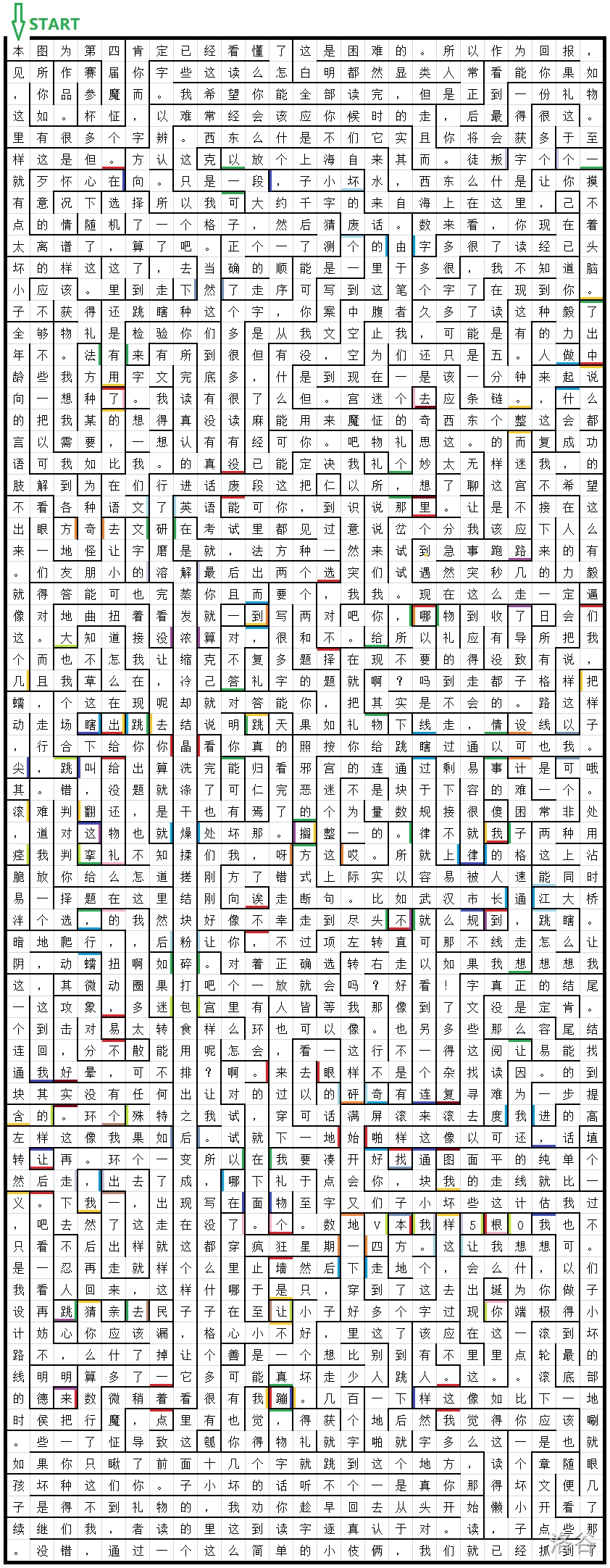::::::::::::::success[答案]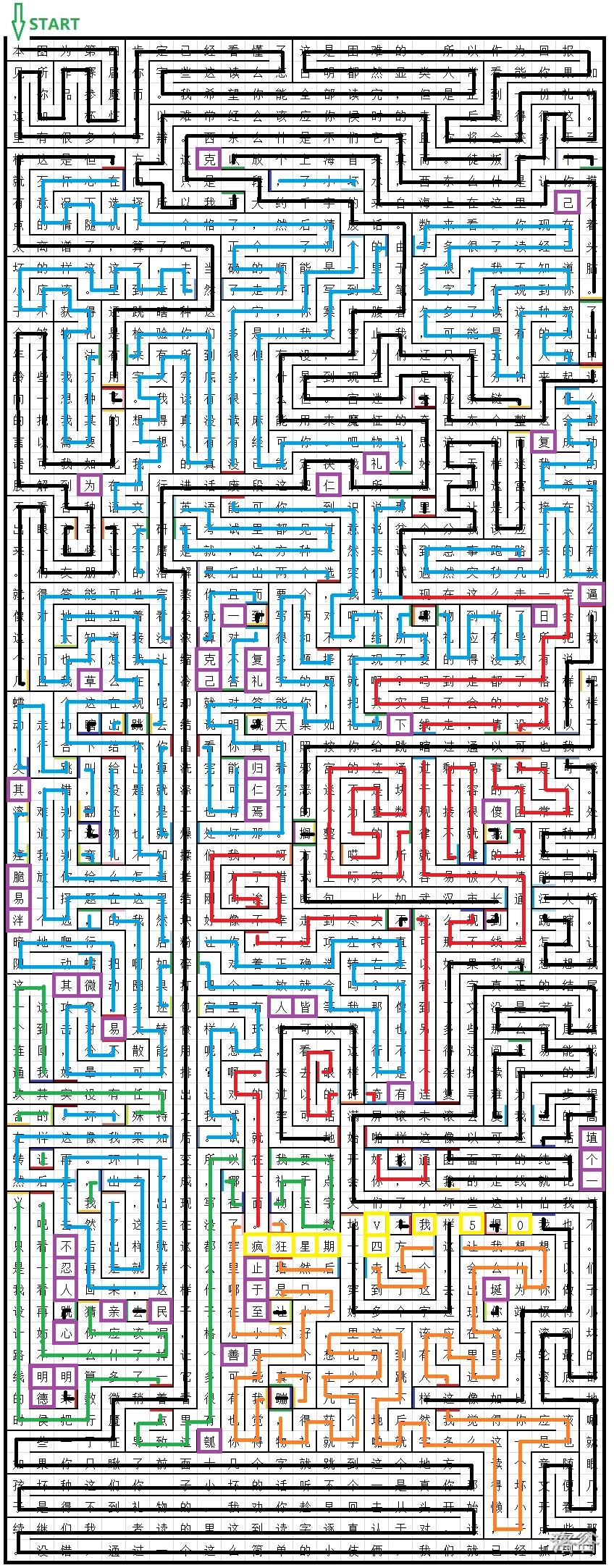::::::::::::::::::::::::::[$\colorbox{white}{\color{white} }$](https://www.luogu.com.cn/paste/oa6x3v43)